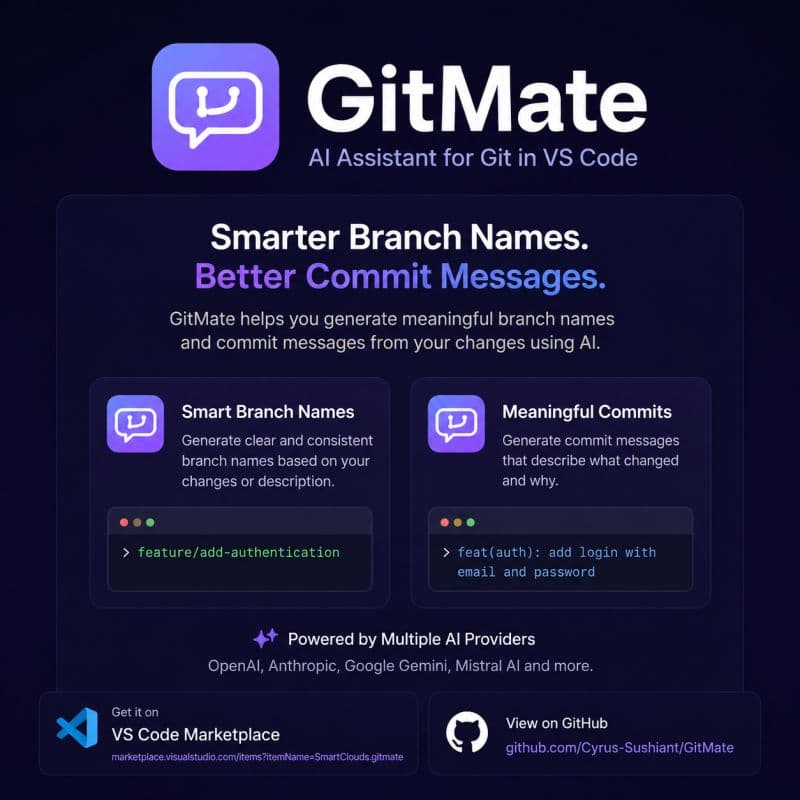
🚀 Building GitMate: A VS Code Extension for Smarter Git Workflows
Recently, I built a VS Code extension called GitMate 🚀 It helps with two things that I personally kept repeating every day while working with Git:
🧠 generating branch names based on changes or a short description
✍️ generating commit messages directly from the actual code diff
✍️ Why Commit Messages
The commit message part was the main reason I built this. A lot of people don't really spend time on writing detailed commit messages. Most of the time, it becomes a quick, short note just to get things done and move on. The problem is that later, when you look at the git history, it is hard to understand what actually happened in each step.
🔍 How GitMate Solves It
GitMate tries to solve this by generating commit messages based on real code changes so the history stays readable and makes sense even after a long time 🔍
⚙️ Multiple AI Providers
It also supports multiple AI providers (you can check the list in the repo), so you are not locked into one model ⚙️
🔗 Try It Out
🔗 GitHub
If you try it out, feedback would be really appreciated 🙌